How to Change Your Wi‑Fi Channel for a Better Connection
Changing your Wi‑Fi channel can reduce interference from nearby networks and improve stability, especially in apartments, busy neighborhoods, and homes with many wireless devices.
What is a Wi‑Fi channel?
Wi‑Fi networks use radio channels to communicate. When many nearby routers use the same channel, interference can slow down your connection or cause dropouts.
Should you change the 2.4 GHz or 5 GHz channel?
Start with 2.4 GHz because it is more crowded and has fewer non-overlapping channels. The 5 GHz band has more available channels and is often less congested.
How to change your Wi‑Fi channel
- Open your router’s companion app or sign in to its web-based management page.
- Find the Wi‑Fi, Wireless, or Advanced Wireless settings.
- Choose the 2.4 GHz or 5 GHz network you want to adjust.
- Find the Channel setting.
- Choose a different channel, save the change, and allow the router to restart if needed.
- Test your connection again in the room where the problem happened.
Best channels for 2.4 GHz Wi‑Fi
In many regions, channels 1, 6, and 11 are the best starting points because they do not overlap with each other. Try one, test it, and keep the option that performs best in your home.
Should you use Auto channel selection?
Auto is often a good choice on modern routers because the router can select a channel based on nearby activity. If performance remains poor, manually test another channel.
When changing the channel will not help
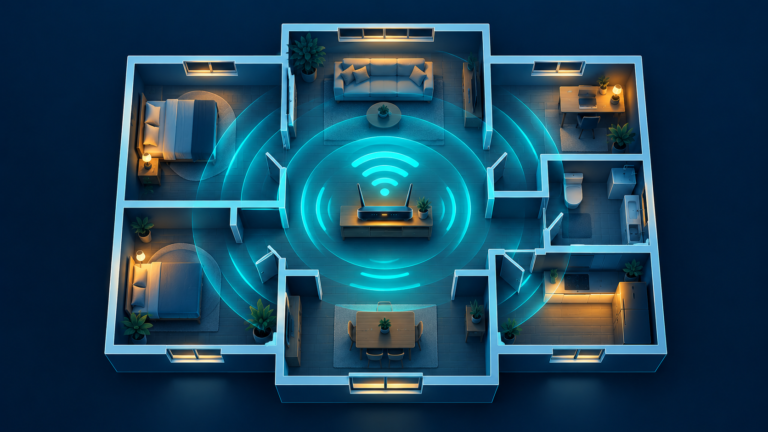
A channel change will not solve weak coverage in a distant room, a slow internet plan, a faulty modem, or a provider outage. Use a mesh system or better router placement for persistent dead zones.
Frequently asked questions
Will changing the Wi‑Fi channel disconnect my devices?
Devices may briefly reconnect after the router applies the change, but you should not need to enter the Wi‑Fi password again.
What channel should I use for 5 GHz Wi‑Fi?
Available channels vary by country and router. Auto selection is often a good first choice; otherwise, test a less-crowded channel offered by your router.
Can I change my Wi‑Fi channel from my phone?
Yes, if your router has a companion app with wireless settings. Otherwise, use a browser to access the router’s management page.