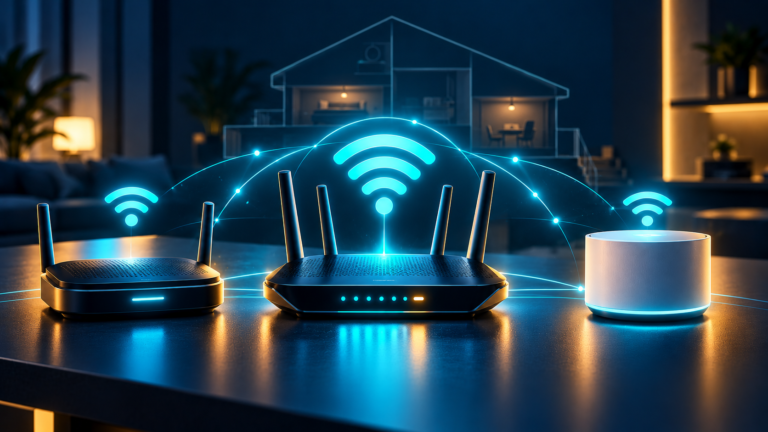
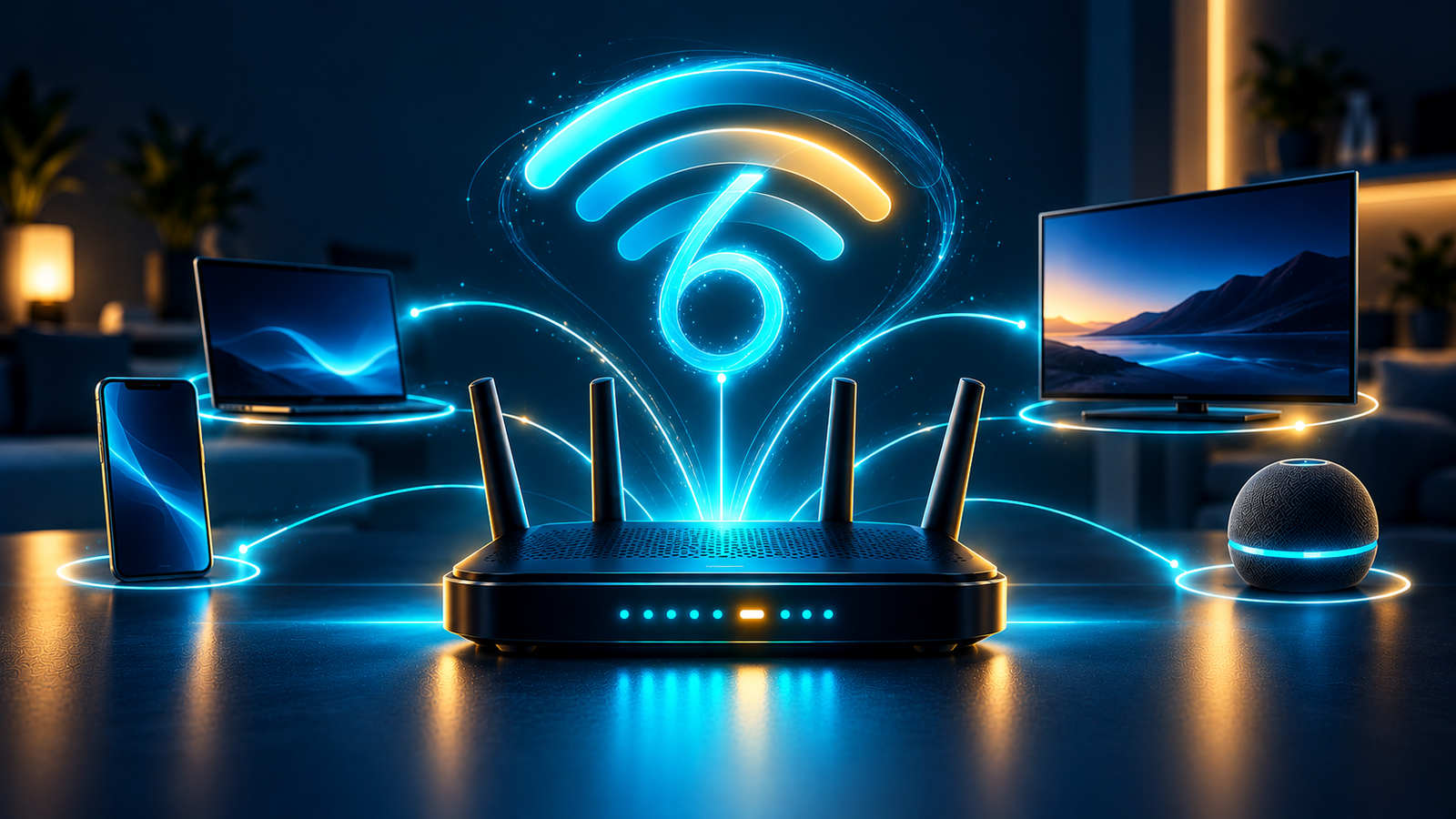
What Is Wi‑Fi 6 and Do You Need It?
Wi‑Fi 6 is a newer Wi‑Fi standard designed to make busy home networks more efficient. It can improve performance when many phones, laptops, TVs, game consoles, and smart-home devices are connected at the same time.
What is Wi‑Fi 6?
Wi‑Fi 6 is the consumer name for the 802.11ax wireless standard. It follows Wi‑Fi 5 and focuses on better capacity, efficiency, and performance in crowded networks—not only higher top speeds.
A Wi‑Fi 6 router can communicate with multiple devices more efficiently, which helps when several people are streaming, gaming, working, or using video calls at once.
How Wi‑Fi 6 improves a home network
- Better performance with many devices: useful for busy households and smart homes.
- More efficient data delivery: devices can share the network with less waiting.
- Improved battery efficiency: compatible phones and smart devices may use less power while connected.
- Stronger security support: many Wi‑Fi 6 routers include WPA3 security.
Does Wi‑Fi 6 make internet faster?
Not by itself. Your internet provider still controls the speed entering your home. Wi‑Fi 6 can improve the connection between your router and compatible devices, especially when your current Wi‑Fi network is crowded or struggling with multiple active devices.
If your speed is slow even beside the router, check your internet plan and connection first. Read our guide on how much internet speed you need.
Do you need Wi‑Fi 6 devices?
No. A Wi‑Fi 6 router works with older Wi‑Fi devices. Your older phone or laptop will connect using the standard it supports, while newer Wi‑Fi 6 devices can take advantage of the newer features.
You get the biggest benefit when both the router and the active device support Wi‑Fi 6.
Wi‑Fi 6 versus Wi‑Fi 5
Wi‑Fi 5 is still capable for light use, smaller homes, and older devices. Wi‑Fi 6 is the better all-round option for a new router because it is designed for modern households with more simultaneous connections.
Choose Wi‑Fi 6 if you have several active users, smart-home devices, newer phones and laptops, or frequent video streaming and online gaming.
Wi‑Fi 6 versus Wi‑Fi 6E and Wi‑Fi 7
Wi‑Fi 6E adds access to the 6 GHz band for compatible devices. Wi‑Fi 7 is newer and can offer even higher capacity and speed, but it costs more and needs compatible devices to show its full benefit.
For many homes, Wi‑Fi 6 offers the best balance of price, availability, and useful real-world improvement.
When should you upgrade?
Consider upgrading if your router is several years old, no longer receives firmware updates, struggles with many connected devices, or cannot provide reliable coverage where you need it.
Before buying, consider your home size, wall materials, internet plan, and the number of devices you use. Our guide on how to choose a Wi‑Fi router explains what to look for.
Frequently asked questions
Is Wi‑Fi 6 worth it for a small home?
It can be, especially if you are buying a new router anyway. However, a smaller home with few devices may not notice as large a difference as a busy household.
Will Wi‑Fi 6 improve range?
It may improve performance and efficiency, but range still depends heavily on router placement, walls, interference, and the router design. A mesh system may be better for large homes or dead zones.
Do I need gigabit internet for Wi‑Fi 6?
No. Wi‑Fi 6 can help homes with many devices at a wide range of internet speeds. It does not require a gigabit plan.